Pubs and sports bars
The game on the big screens, the drinks list by the taps and trivia night everywhere else. Switch the lot at full-time.

Screen control for venues
Put the game on the bar TVs, the menu by the counter and tonight's specials at the door, then change any of them from one dashboard. Start with one screen and add more when you need them.
Most venues already have the screens. OneCtrl changes what's on them. Drag across to compare static menu boards with the same TVs running moving content that still comes back to your prices.
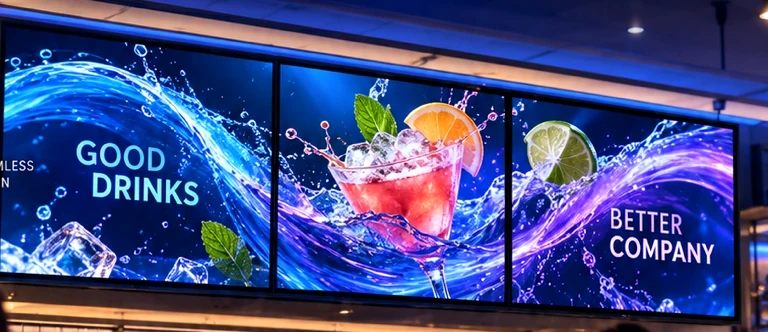
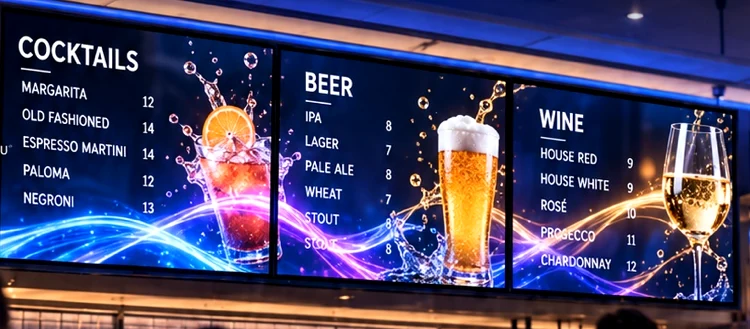
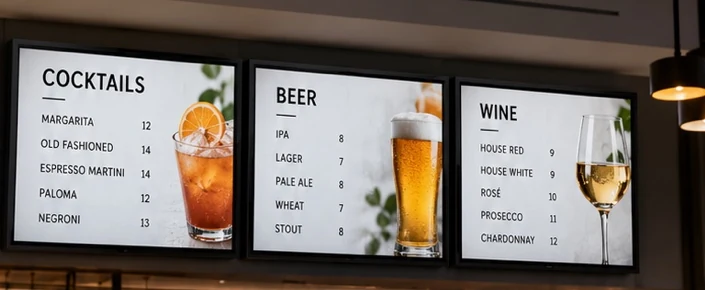
Choose how many screens your venue has and how you want to use them. Tap a screen to change what it's showing.
8 screens, 8 different things showing.
A demo of the controls, not a live feed. How many screens a single hub can drive depends on your content and network; we work that out in your quote.
The game on the big screens, the drinks list by the taps and trivia night everywhere else. Switch the lot at full-time.
Breakfast menu until 11, lunch after. Sold out of the special? Take it off every board in seconds, no reprinting.
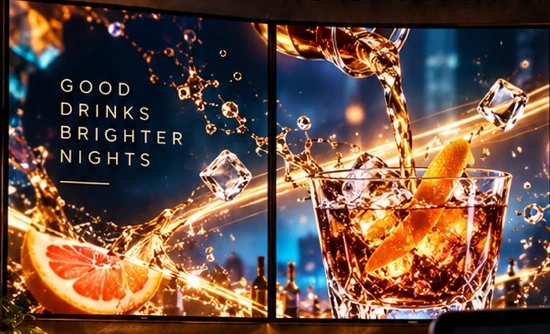
Join a row of TVs into one moving wall for the late session, then put the menus back up for tomorrow's lunch.
OneCtrl works with the TVs you already have.
Connect the Mini PC Control Hub to your first TV with HDMI. That screen needs nothing else.
Each extra TV gets a Wireless Display Adapter. Bring in Foxtel, a laptop or a console with an HDMI-over-Ethernet adapter or the 4-channel encoder.
From the dashboard, send different content to each screen, group screens by area, or join several into one video wall.
Hardware prices below. Add a setup to your quote and change anything before you send it.
A menu board, a reception screen or the TV behind the bar.
Sport on two, the menu on one and promos on the fourth.
Several areas with their own content, plus a live HDMI source such as a Foxtel box.
Sports clubs, multi-room venues and retail groups. Tell us about the site and we'll plan the hubs, network and screens with you.
For eight screens or more, we'll confirm one hub can handle your content mix or recommend a second.
Five pieces cover almost every setup. Buy outright, or pay monthly for 12 months and own it at the end.
HDMI passthrough for gaming and live streaming.
Many inputs to many outputs for large installations.
Drives up to four displays from one device.
Release dates, specifications and prices for these haven't been set.
The platform fee covers the dashboard and every screen it manages. Adapters, the cast dongle and the encoder have no monthly fee.
Your quote lists every monthly cost, hardware and platform, before you sign anything.
If OneCtrl isn't right for you, return eligible hardware within six months and we'll buy it back at 50% of what you paid. Written conditions apply.
Prices in AUD. GST, delivery and installation are confirmed in your quote. Encoder pricing is indicative.
Something we haven't covered?
Every TV except the first. The hub has one HDMI output, so your first screen plugs straight in. Each extra screen uses a Wireless Display Adapter.
Yes. Each screen can run its own content, you can group screens by area, or you can join several into one video wall. How many streams one hub can play at once depends on the content and your network. We check that before quoting, and larger sites may use more than one hub.
Yes, through the HDMI-over-Ethernet adapter or the 4-channel encoder. Some sources have copy protection or latency limits, so tell us what you plan to connect and we'll confirm it works.
You pay a fixed amount each month for 12 months with nothing upfront for the hardware, and it's yours after the last payment. Your quote shows the full monthly cost, hardware and platform, before you commit.
Anything from one screen to large multi-room sites. Smaller venues usually run from a single hub; bigger ones may need more. We'll size it for you.
No. There's no checkout and no payment on this site. We'll reply with a compatibility check and an itemised quote.
How many screens, what you want on them, and when. We'll come back with a setup and an itemised quote.